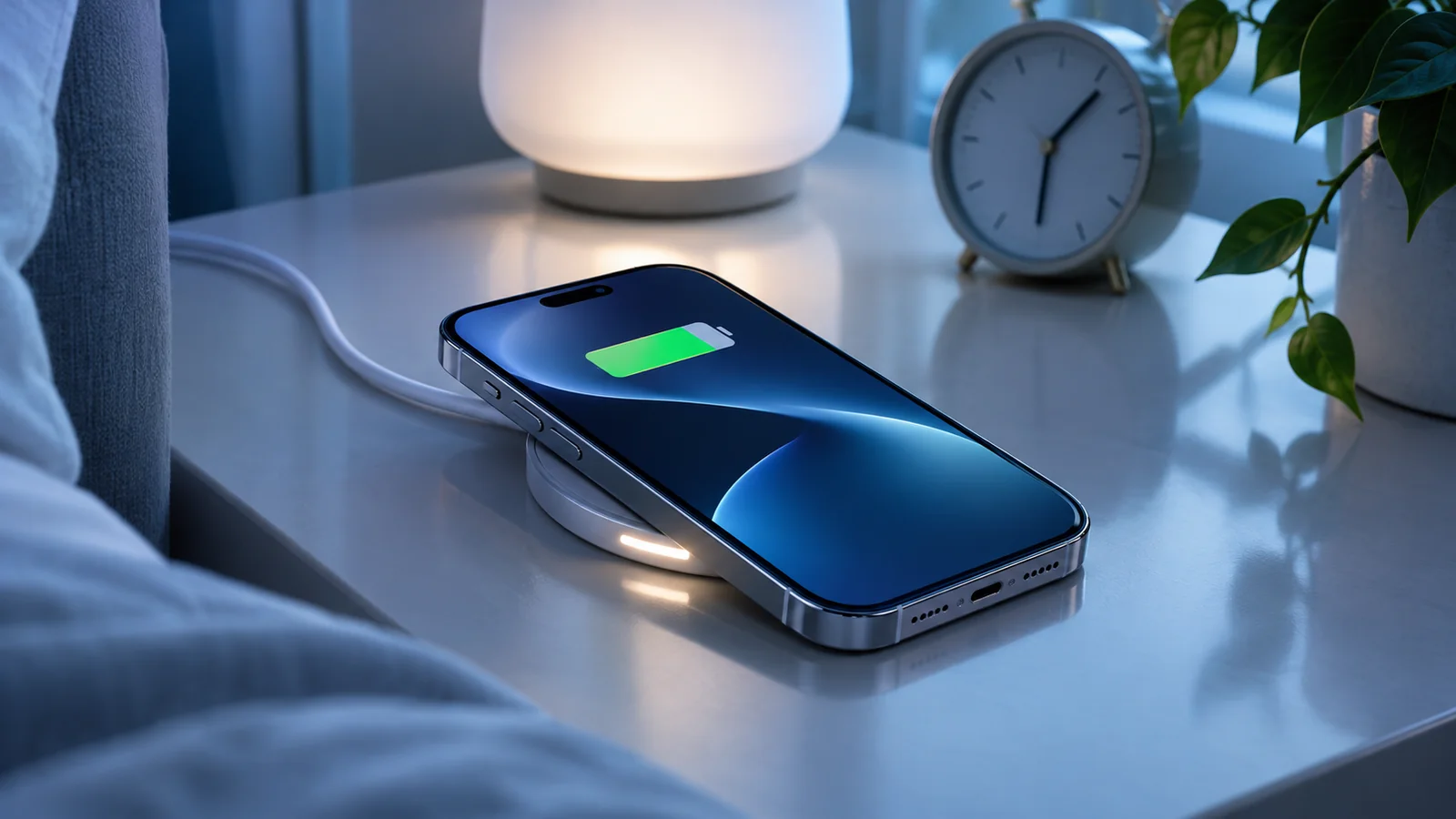
Charging an iPhone only to 80% is no longer just forum advice: on supported models, it is a real setting. The useful question is not “is 80% always better?”, but when that choice actually fits your day-to-day usage.
Editorial note. This guide combines practical advice, official documentation and everyday usage criteria. It does not replace official Apple support.
What an 80% charge limit actually means
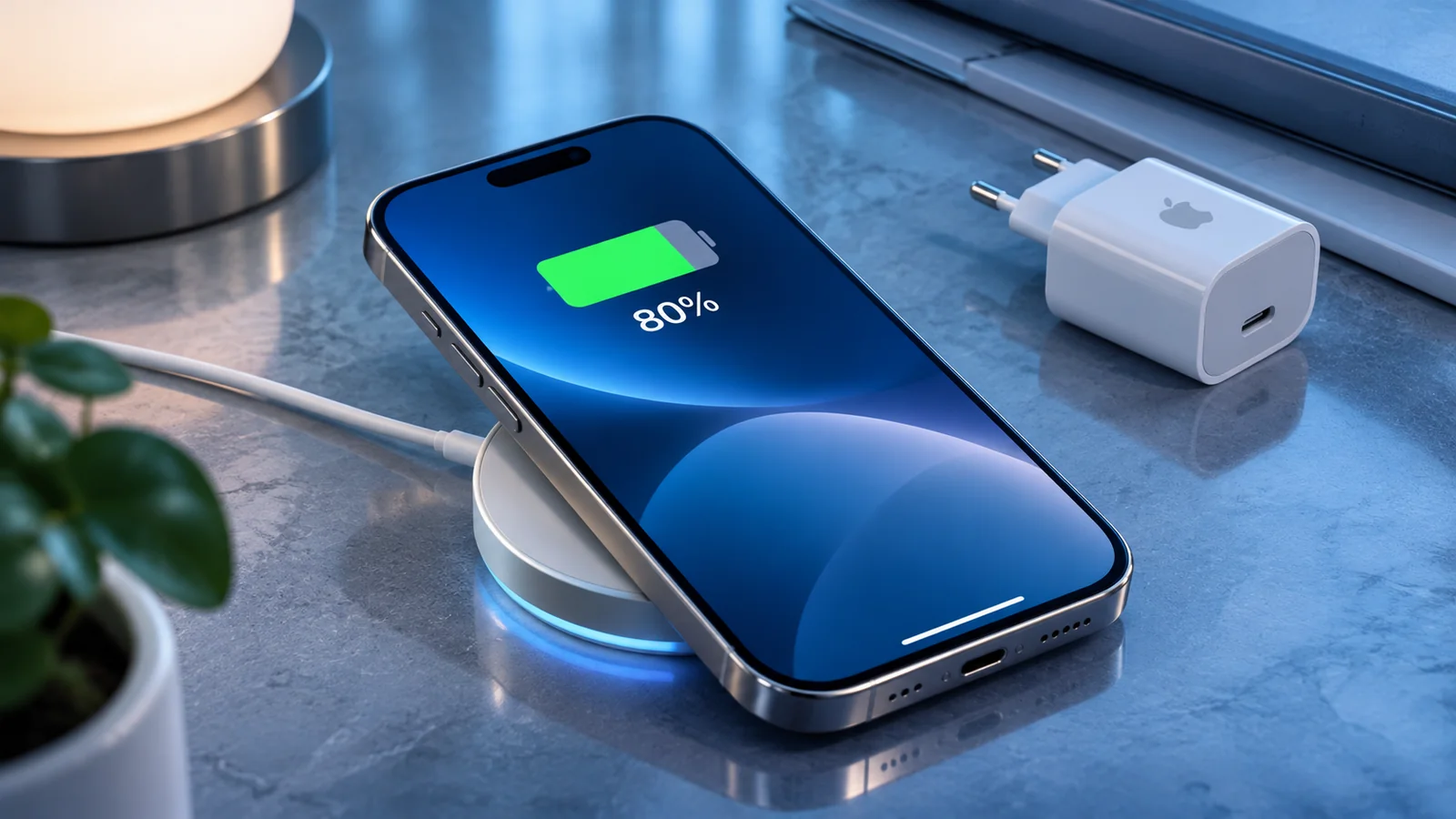
On supported models, the iPhone can stop charging before 100%, reducing the time spent at maximum charge. In simple terms, it is a way to reduce some long-term battery wear.
That does not mean charging to 100% is “bad”. It simply means that people who do not need every last bit of battery life every day may benefit from avoiding long periods at full charge.
When it makes the most sense
An 80% limit tends to make sense if you work mostly from home or the office, return to a charger often, and usually end the day with battery left. It can also be useful if you carry more than one device and do not depend on a single iPhone for everything.
If your routine is stable and you rarely need to stretch your battery to the end of the day, 80% may be an easy compromise. For moderate use, many people still get enough runtime without noticing a practical downside.
When 100% is still the better choice
If you spend long hours away from a charger, travel often, rely on navigation, tethering, photography, video or lengthy calls, 100% may remain the simpler option. The best setting is not the most “disciplined” one; it is the one that suits your real routine.
There is little value in choosing 80% if it forces you to top up halfway through the day. Battery management should reduce friction, not create it.
How to enable it and what to watch
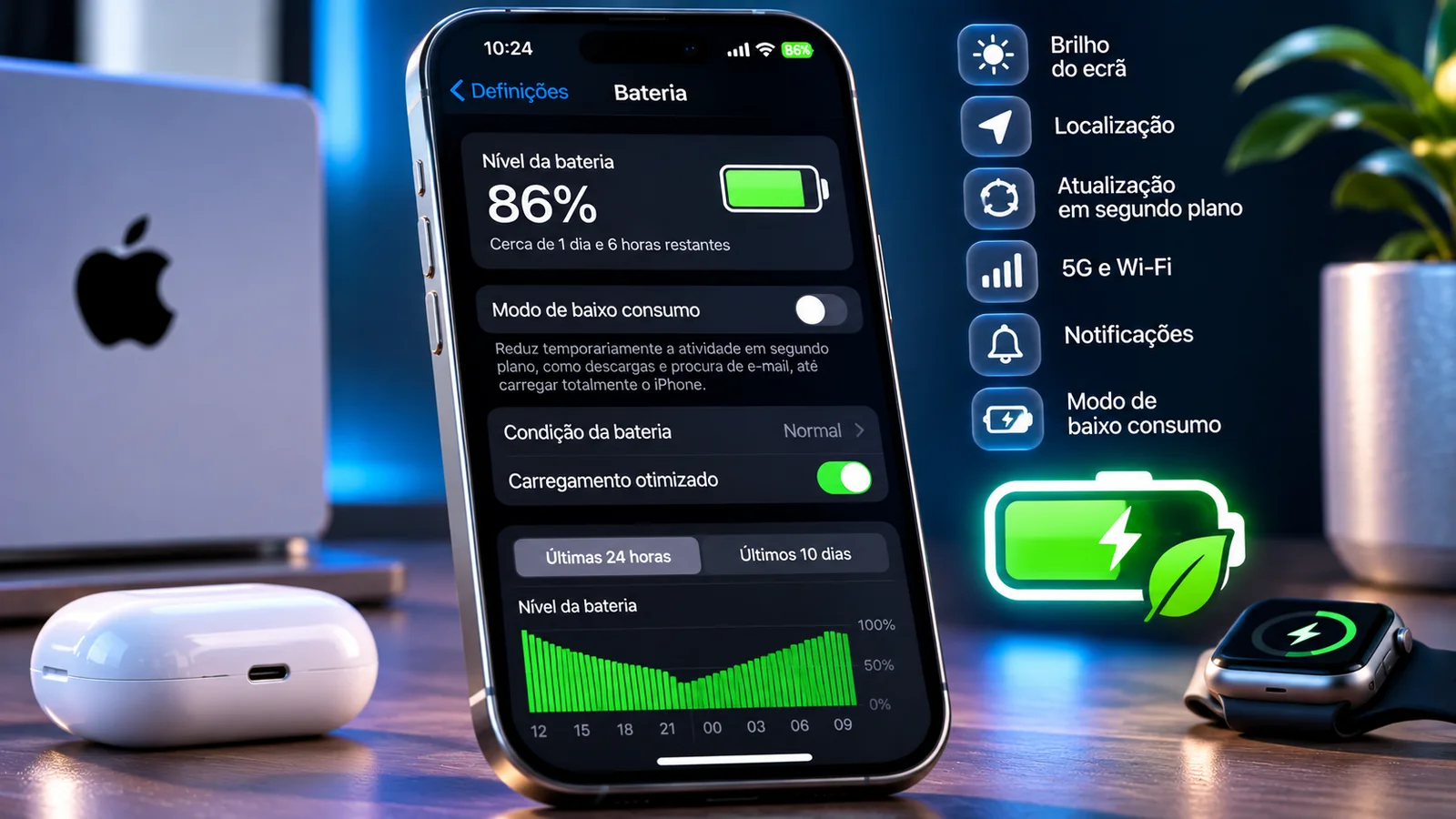
On iPhone 15 and later, open Settings > Battery > Charging. You can choose a limit between 80% and 100% in 5% increments. When you select 100%, Optimized Battery Charging is available. Apple explains that the iPhone may occasionally charge to 100% even with a lower limit to maintain accurate battery estimates.
It is normal for the system to occasionally adjust charging behaviour in order to preserve calibration and battery estimates, so it may not behave in exactly the same way every day.
Charge limit versus Optimized Battery Charging
Two ideas often get mixed together: a charge limit and Optimized Battery Charging. The former sets a cap. The latter delays the time spent at 100% and tries to complete charging closer to when you usually unplug the phone.
Either approach can make sense depending on your habits. The important part is understanding which one gives you the best balance between convenience and longevity.
A practical rule of thumb
If you end most days with battery to spare, try an 80% limit for a week. If it does not change your behaviour or leave you short on power, it is probably a good fit.
If you start needing midday top-ups, go back to 100%. With personal technology, the best choice is the one that protects the device without getting in the way of everyday life.
This reference documents procedures and settings related to the topic. Check for changes on your iPhone or in Apple documentation.
View the official sourceWhat matters most
The key is not to follow a universal rule, but to understand your own routine. An 80% limit can be useful for some usage profiles, while 100% still makes perfect sense when maximum battery life matters most.