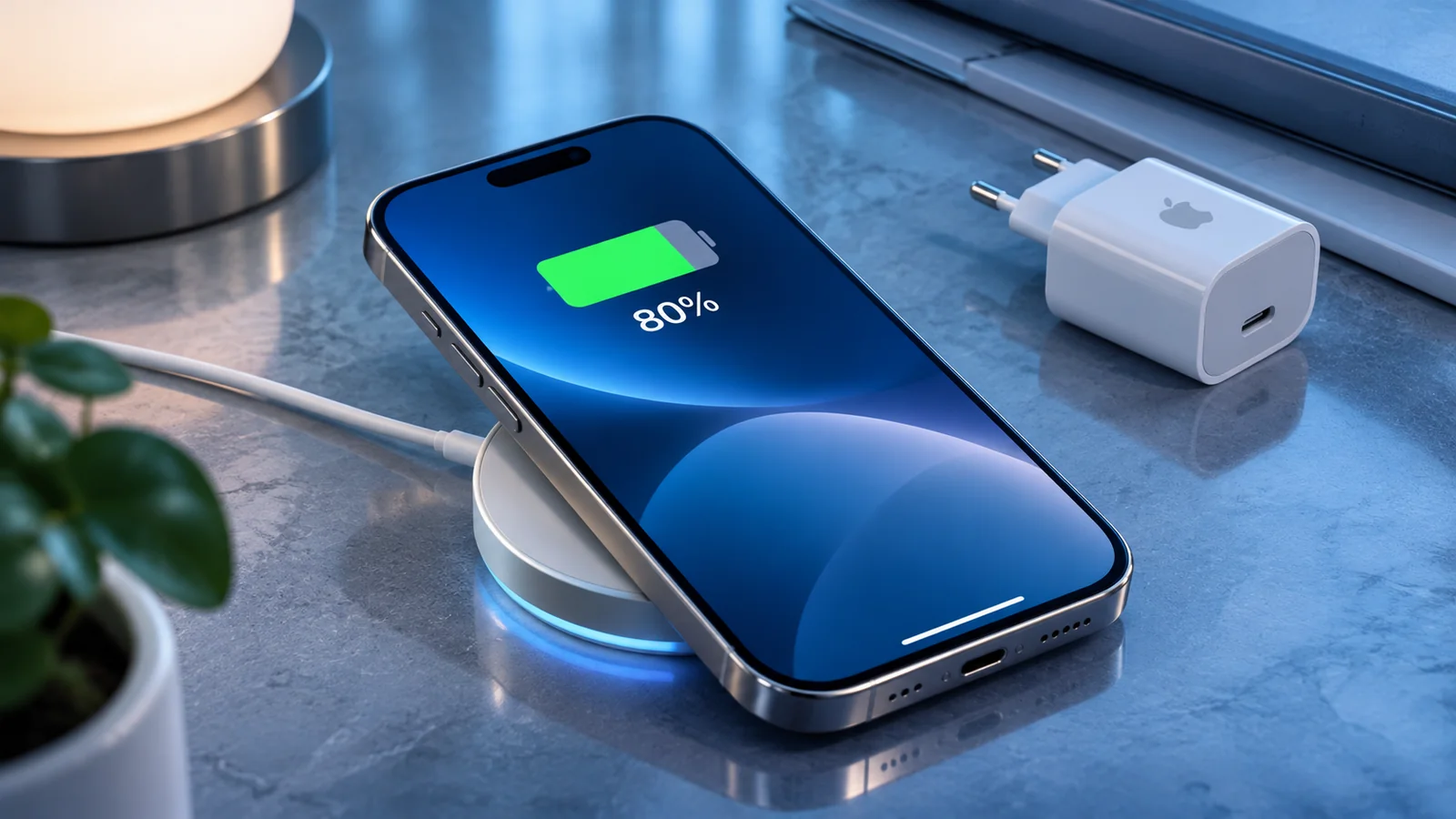
Optimized charging tries to do something simple: stop your iPhone from sitting at 100% for longer than necessary. Instead of always charging straight to full, it learns your routine and finishes charging closer to the time you usually unplug it.
Editorial note. This guide combines practical advice, official documentation and everyday usage criteria. It does not replace official Apple support.
What the feature is trying to do
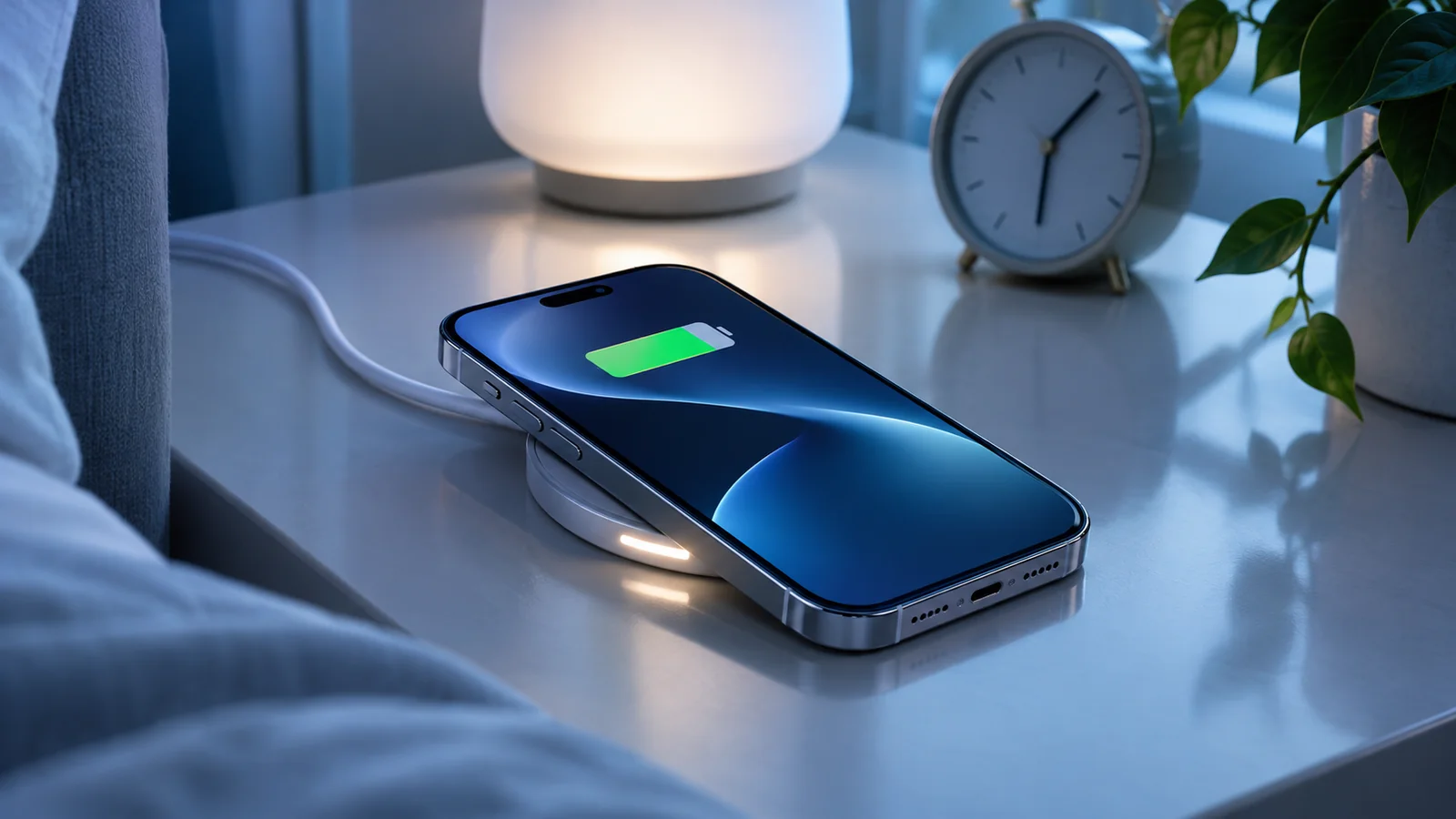
When you charge the iPhone overnight, the system may climb to a certain level, pause for a while, and finish the last part closer to the time you typically wake up or leave. The idea is to reduce unnecessary hours at full charge.
This is different from a fixed 80% cap. The goal here is to preserve the convenience of starting the day with a full phone while reducing some potential long-term battery wear.
How the iPhone learns your routine
For the feature to work well, the iPhone needs relatively stable patterns. Regular overnight charging, repeated locations, and a predictable schedule help the system decide when to delay the final part of the charge.
If your life is highly irregular, if you charge in many different places, or if your schedule changes often, the behaviour may feel less consistent. That does not mean the feature is broken; it simply has less predictable data to work with.
Why it sometimes seems not to work
Some nights the iPhone may charge straight to 100% without any visible pause. That can happen because the system expects you to need the phone earlier, because your routine changed, or because the conditions for optimized charging were not met.
Temperature, available charging time, and changes in usage patterns all matter. It makes more sense to judge the feature over several days rather than after a single night.
How to check and manage it
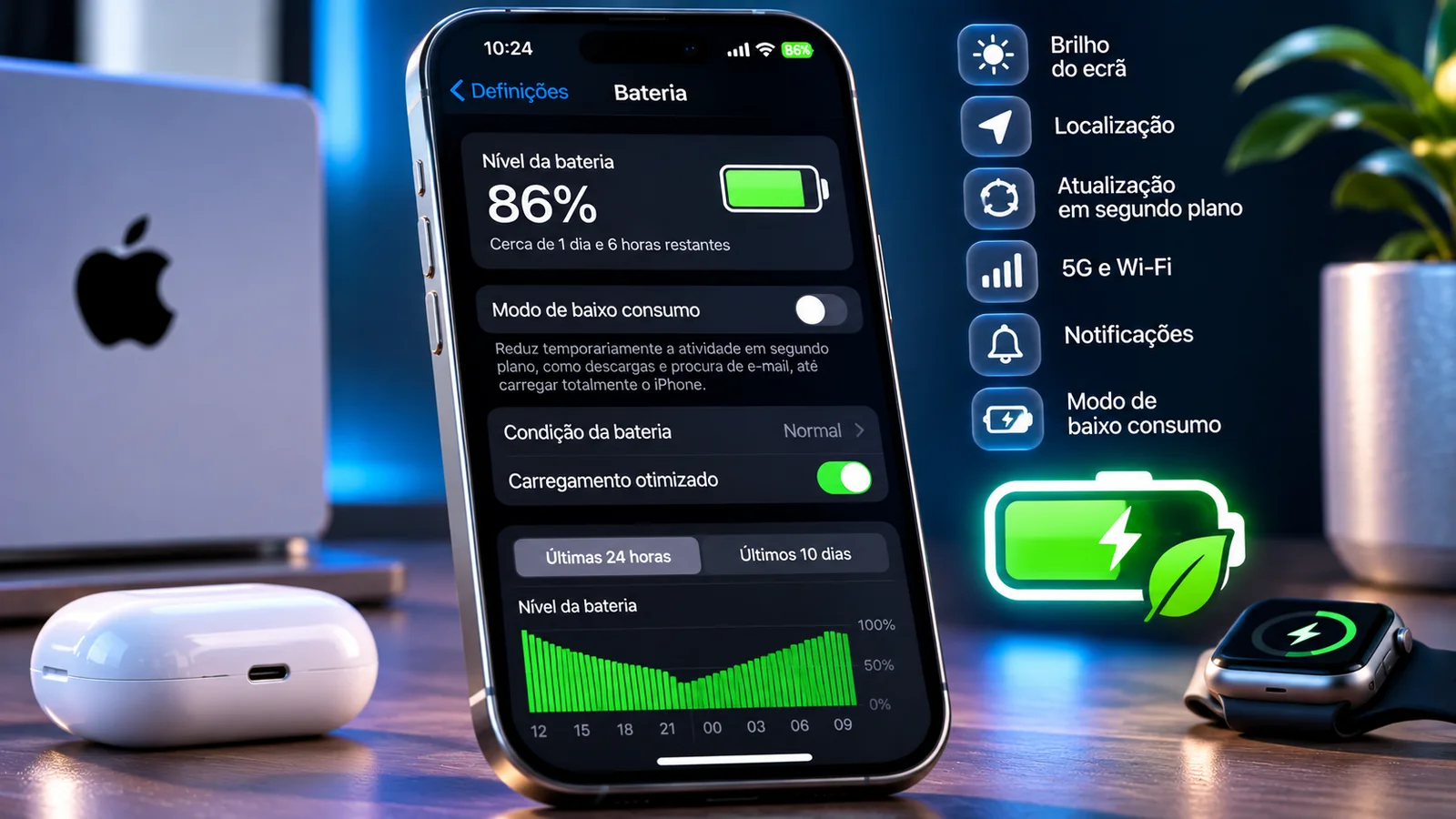
On iPhone 15 and later, open Settings > Battery > Charging. On iPhone 14 and earlier, use Settings > Battery > Battery Health & Charging. Optimized charging is available when the charge limit is set to 100%. Apple says the feature needs at least 14 days of consistent habits and nine charging sessions of five hours or more at a familiar location to activate.
If your routine changes a lot, it may be worth turning the feature off temporarily and comparing the experience. For many people, however, it is worth keeping enabled because it asks almost nothing of the user.
How it differs from a charge limit
A charge limit sets an explicit ceiling. Optimized charging still reaches 100%, but tries to get there later. If you want full daily battery life with minimal thought, optimized charging is often the best compromise.
If you care more about long-term battery conservation and do not need a full charge every day, a charge limit may be more appealing. They are not competing features so much as different answers to different needs.
How to get the most from it
If you mostly charge overnight and keep stable hours, leave the feature enabled and see whether it becomes invisible in a good way. That is really its strength: it helps battery care without demanding extra effort.
If your charging habits are fast and unpredictable throughout the day, the effect will naturally be smaller. Even then, understanding how it works helps you decide whether to combine it with a charge limit or simpler charging habits.
This reference documents procedures and settings related to the topic. Check for changes on your iPhone or in Apple documentation.
View the official sourceWhat matters most
Optimized charging is not magic, and it will not look the same in every routine, but it is useful because it tries to balance convenience with battery care. For many users, it is the easiest way to improve charging behaviour without turning it into a project.