What are the best iPhone accessories? There is no single brand or package that suits everyone. A case must protect the phone without compromising the buttons; a screen protector should preserve visibility and touch response; and a magnetic charger needs to be compatible with both your model and the power source. The right purchase starts with actual use, not the largest number of features.
In 2026, you can choose between MagSafe cases, tempered-glass protectors, Qi2 charging stands, magnetic power banks, car mounts and multi-device charging stations. Yet the labels “magnetic”, “25 W” and “iPhone compatible” are not interchangeable guarantees. This guide explains their differences and helps you build a useful combination rather than a drawer full of redundant gadgets.
Editorial note: this is documentary buying guidance, not an independent laboratory test. Public Apple Portugal prices and specifications were checked on 12 November 2026 and can change before you order.
Independent buying advice. This is not a hands-on product test. Check the exact device reference, certification, current price and return terms before buying.
What to buy first
If you have just bought an iPhone, start with a case fitted to that exact model and a carefully applied screen protector. If you charge at a desk every day, consider a MagSafe or certified Qi2 stand with a clearly specified power supply. For long days away from a socket, a power bank is often more useful than another decorative case. A car mount or a 3-in-1 station only earns its place if it solves a recurring need.
Never select a case on series name alone: iPhone 18 Pro, 18 Pro Max, Air, 17e and Duo do not share the same dimensions and design. Even when one screen protector fits two models, that does not establish compatibility between their cases.
1. Cases: meaningful protection without compromising everyday use
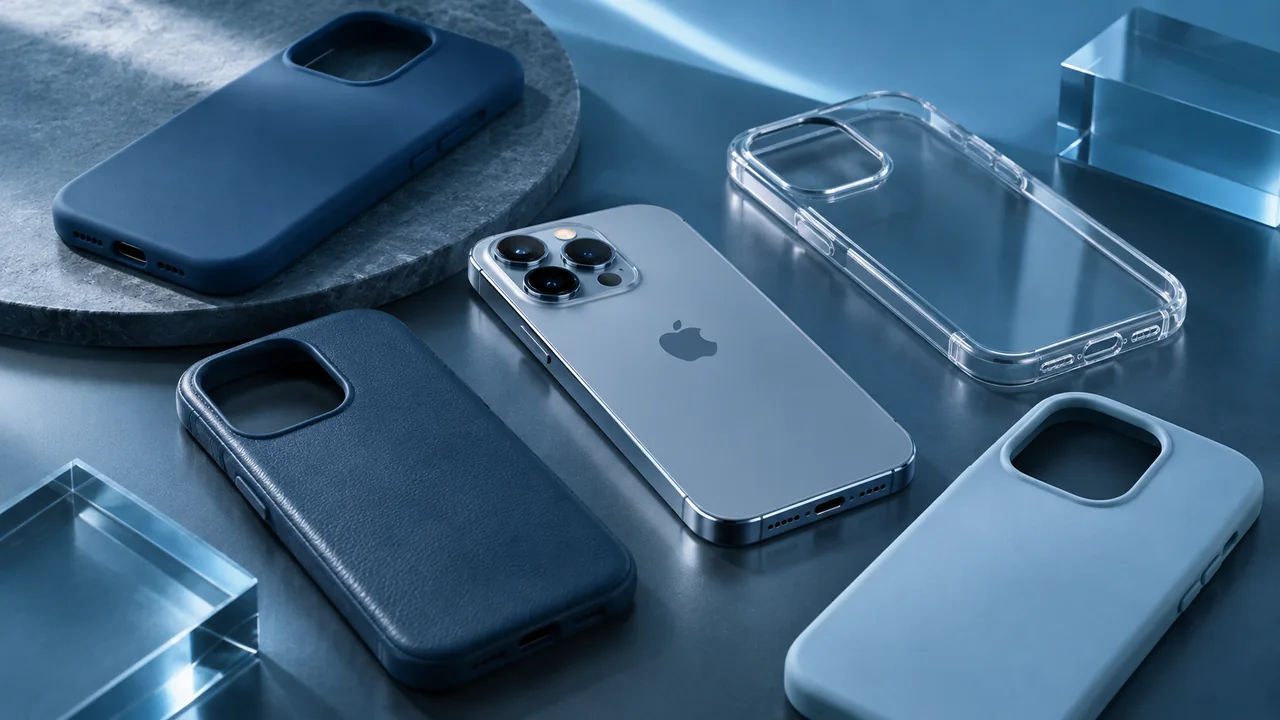
The main material groups are silicone, often chosen for grip; flexible TPU, which can deform under force; rigid polycarbonate, which helps retain structure; and hybrid or rugged cases, combining a firm shell with reinforced corners. Clear finishes preserve the phone's appearance, although some materials yellow over time. Real protection depends on construction and finish as well as material.
Check how the case sits around the screen and camera lenses, whether the corners are protected and whether the buttons remain easy to operate. On models with Camera Control, make sure the accessory supports the intended controls instead of simply adding a hole. Treat manufacturer drop claims as useful evidence within their test conditions, not as a promise that every real-world fall will be harmless.
Verified Portugal examples: Apple listed transparent and silicone MagSafe cases for iPhone 18 Pro Max at €59 each and its TechWoven case at €69 on 12 November 2026. Those are official price benchmarks, not a ranking of durability. For the full material breakdown, see our dedicated iPhone case guide.
2. MagSafe and Qi2: magnetic attachment is not charging performance
Apple MagSafe combines magnetic alignment and wireless charging on supported phones. Qi2 covers wireless charging specifications, with certified products offering different charging capabilities and, where supported, magnetic alignment. A charger that physically sticks to the iPhone is not necessarily Qi2 certified. Before paying, check the precise model, rating, certification and required USB-C power adapter.
Apple says recent MagSafe chargers with a suitable 30 W or higher adapter may deliver up to 25 W peak to compatible iPhone 18 Pro and Pro Max models. iPhone Air has a 20 W maximum in that setup, while older models can have lower limits. Advertised power is a possible peak, not a constant rate: heat, battery charge level and attached devices influence the result.
A compact charging puck makes sense for travel, a stand is useful on a desk, and a multi-device dock can reduce cable clutter. For a deeper explanation, read our MagSafe versus Qi2 guide.
3. Screen protectors: tempered glass, anti-glare or privacy?
A tempered-glass protector adds a replaceable surface that can reduce scratches and absorb certain impacts, but it cannot make the screen shatterproof. Anti-glare options may improve readability under specific lighting while changing image appearance. Privacy protectors restrict off-axis viewing, often at some cost to brightness or viewing comfort. Flexible films have different tactile properties and primarily address lighter surface abrasion.
Check that the protector is listed for your exact iPhone, has appropriate openings and ideally comes with an alignment tray. Confirm it will not lift at the edges when combined with your case. Poorly applied or overly thick products may interfere with touch accuracy or leave distracting bubbles.
Published retail example: Apple's Portugal store listed the Belkin UltraGlass 2 protector for iPhone 18 Pro Max/17 Pro Max at €39.95 on 12 November 2026. Its presence in a store does not mean this editorial team has tested it.
4. Camera lens covers and skins: optional extras with trade-offs
Adhesive or raised camera lens covers look reassuring, but extra optical surfaces can introduce flare, reflections, reduced contrast or artefacts around bright lights. If you regularly take pictures, do not automatically add a lens shield: first consider a case with a protective camera lip. If you install a protector, check its optical clarity and test low-light and backlit photographs carefully.
Adhesive skins are mainly for appearance and resistance to minor surface marks. They are not a substitute for a protective case. Some finishes leave residue or are difficult to remove. When combining a skin, magnetic case and charger, check alignment and thickness. Never cover microphones, controls or areas that affect thermal performance.
5. Magnetic power banks: usable energy away from an outlet
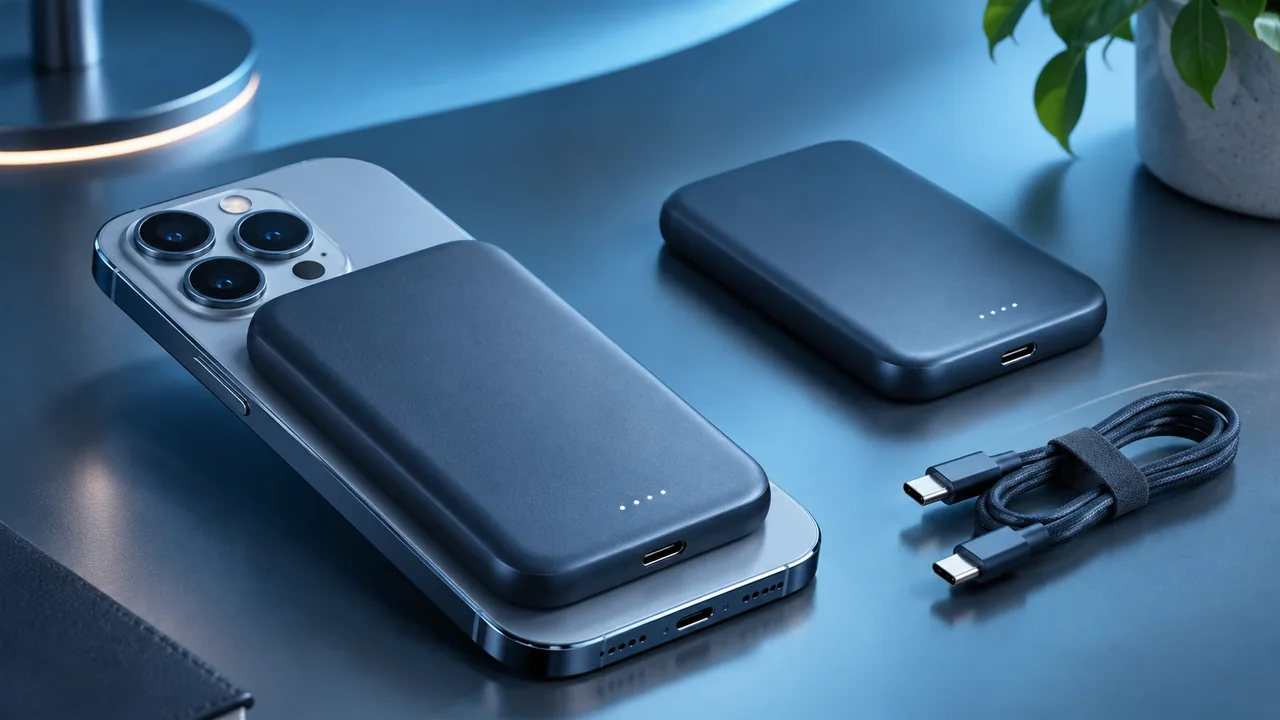
A magnetic MagSafe or Qi2-compatible power bank can top up your iPhone while you travel. A nominal 5,000 mAh model usually emphasises portability; 10,000 mAh models provide more stored energy but add mass and thickness. The printed capacity is not the energy delivered to your phone's battery, because voltage conversion and wireless charging involve losses. Do not promise two complete charges just because the box says 10,000 mAh.
Compare wireless output rating, USB-C output, charging input, indicators, heat management and case clearance. A thick magnetic pack may crowd a large camera island or feel awkward when you hold the phone. Thin designs can be more convenient than maximum capacity if you carry the phone in a pocket all day.
For demanding applications, using USB-C remains an important alternative. See our magnetic power-bank guide before buying.
6. USB-C chargers: understand per-port power and safety
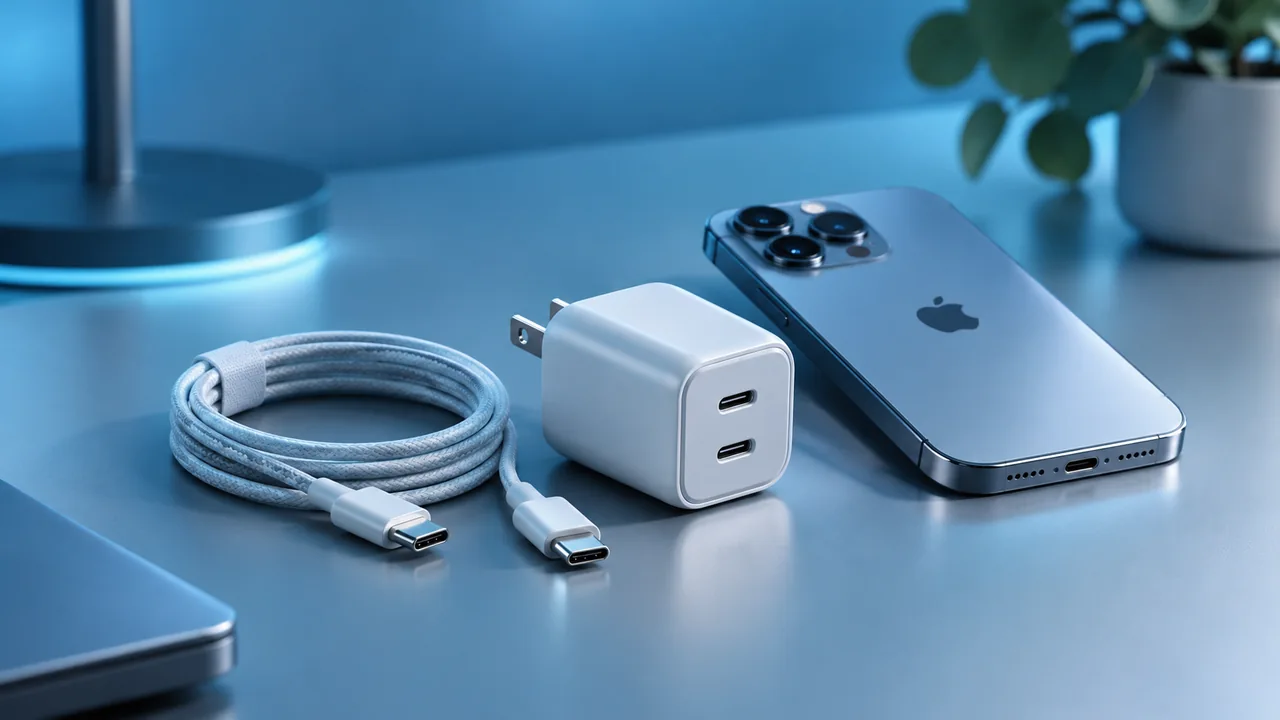
A wired charger is often the more predictable choice for short charging windows. Look for USB Power Delivery support, published per-port output limits and sensible thermal safeguards. A 100 W charger will not force 100 W into an iPhone: the charger and device negotiate compatible power. Likewise, connecting multiple products to a multi-port unit can change how power is shared.
Read the power allocation table for every port combination, rather than relying on the highest total wattage printed on the box. A sound USB-C cable and a reputable warranty also matter. Some devices and charging protocols have additional requirements before they can reach an advertised maximum.
Our USB-C charger guide explains USB-PD, AVS and multi-port power distribution in detail.
7. Two-in-one and three-in-one stands: convenience for the right setup
A 2-in-1 stand may charge an iPhone and compatible AirPods; a 3-in-1 version generally adds a charging position for Apple Watch. Watch charging depends on the particular charging module and its compatibility: do not assume a regular Qi surface charges an Apple Watch correctly. Verify the accepted generations, each device's power and whether the required wall adapter is included.
Look for stable construction, manageable cabling, reasonable ventilation and reliable operation when everything is charging at the same time. A premium station may be worthwhile on a bedside table or work desk, but the same purchase can be wasteful if you only charge one phone. A folding dock is useful for trips, provided the hinge, case and power supply remain practical to carry.
8. Car mounts, desktop stands and creator tools
A car mount should keep the screen accessible without blocking road visibility, controls or ventilation. Consider how it attaches to a vent, dashboard or windscreen, and comply with local road safety rules. Never hold or operate a phone while driving. Wireless charging can raise temperature, especially in hot weather, so avoid placing the charger in direct sunlight.
On a desk, a stable adjustable stand makes calls and quick information checks more comfortable. For photos and video, a good tripod, secure phone clamp and appropriately positioned light often provide more practical value than decorative accessories. If you need a gimbal, check payload support and balance with your particular iPhone and case.
9. Fit and compatibility: iPhone 18 Pro Max, 18 Pro, Air and Duo
Cases and screen protectors are dimensions-specific. A case advertised for iPhone 18 Pro Max should not be presumed to fit iPhone 18 Pro, iPhone Air or iPhone Duo. The Duo's distinct form factor makes fit, hinge clearance and material thickness particularly important. Check the manufacturer reference and the exact compatibility list before ordering.
For charging, separate magnetic attachment, charging standard and achievable watts. A phone may accept a particular charger while reaching less than the advertised peak. Apple's published MagSafe compatibility covers several iPhone generations, with model-specific power and adapter requirements. Camera placement and case thickness can also interfere with magnetic wallets and battery packs.
10. Build a sensible kit at each spending level
Essential: properly fitted case, suitable screen protector and a compatible USB-C charger if you do not already own one. Convenience: add MagSafe or Qi2 where you regularly charge at your desk. Mobility: prioritise a reliable power bank and spare cable. Apple multi-device user: consider a suitable dock only when you consistently charge an iPhone and Watch together. These are usage profiles, not prestige tiers.
Before paying, check the exact iPhone model, published compatibility, real per-device power limits, return policy and seller warranty. Clear documentation and support may matter more than a minor price difference. Paying more, however, does not in itself guarantee better drop protection or faster charging.
The best accessory for each need
| Your need | First priority | What to verify |
|---|---|---|
| Scratches and impact | Case + screen protector | Exact model, fit, corners, installation |
| Desk charging | MagSafe or Qi2 charger | Certification, supported watts, adapter |
| Travel and long days | USB-C or magnetic power bank | Usable energy, weight, heat and output |
| iPhone and Apple Watch | Multi-device stand | Dedicated Watch module, shared power |
| Video and photography | Tripod or gimbal | Secure fit, payload and stability |
Specific products and published Portugal prices
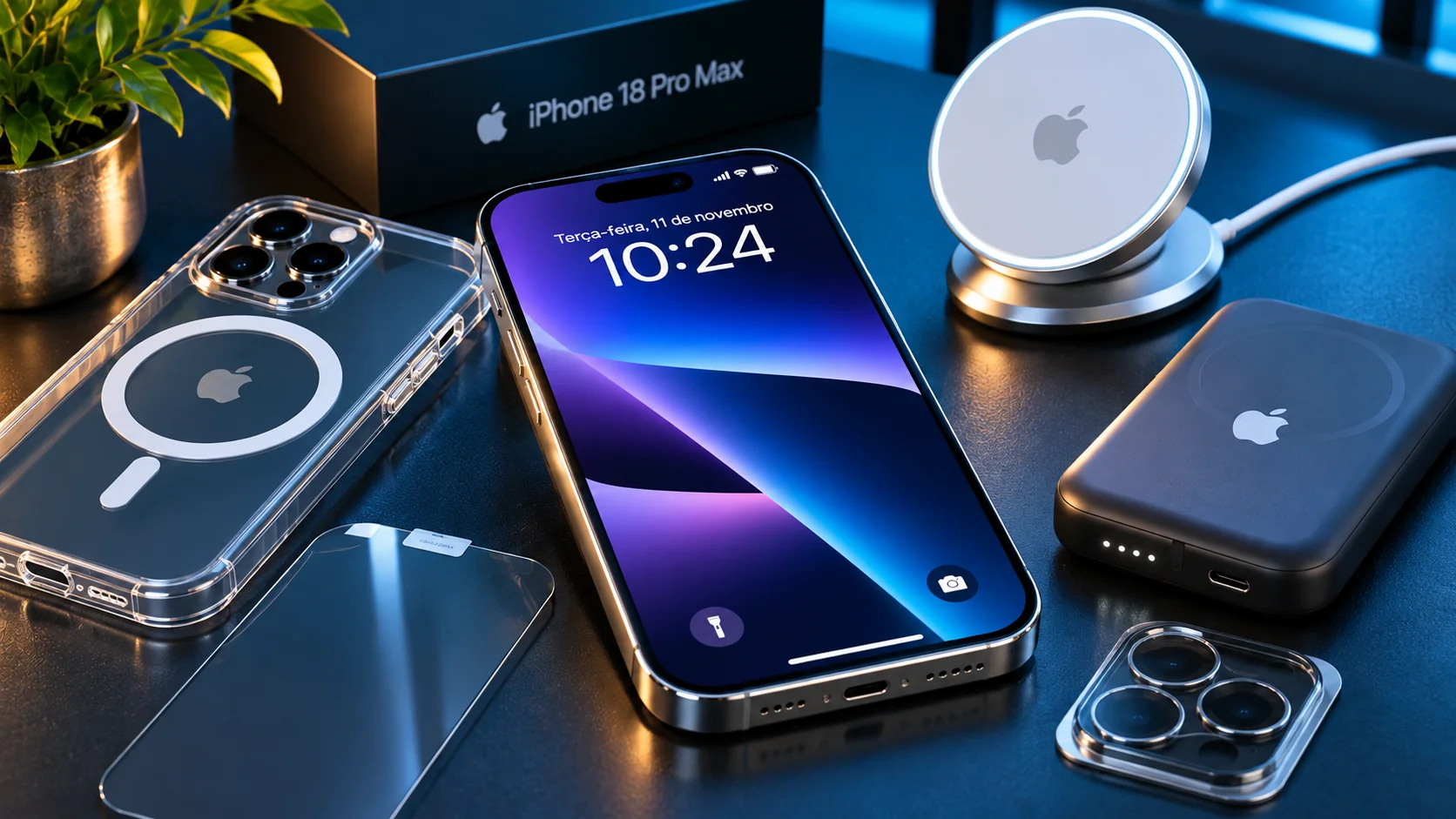
The following are documented retail examples, not a ranking based on independent tests: Apple clear or silicone MagSafe cases for iPhone 18 Pro Max (€59), Apple TechWoven case for the same model (€69), and Belkin UltraGlass 2 screen protector for 18 Pro Max/17 Pro Max (€39.95). These are Apple Portugal list prices observed on 12 November 2026 and may change.
Companies such as Apple, Belkin and Anker sell multiple charging and battery products with different specifications. Select a model according to its precise output, certification and required adapter. Do not treat “MagSafe-compatible” as proof of Qi2 certification, and do not assume everything from one brand has the same charging characteristics.
Specifications and Portugal prices checked on 12 November 2026; always verify before ordering.
Buy what improves your everyday experience
The best purchase is an accessory that resolves a problem you actually have. For many users, a well-fitting case, a good screen protector and a dependable charger form the foundation. MagSafe, a power bank or a 3-in-1 station add convenience when they suit your routine. Aim for the right combination of protection, fit, power and safety rather than the largest collection of accessories.
Frequently asked questions
Does a MagSafe case make charging faster?
Not by itself. The case supports magnetic alignment; actual speed depends on the iPhone model, charger, adapter and temperature.
Does a 25 W MagSafe charger always deliver 25 W?
No. This is a potential peak for compatible models and conditions. Output changes with battery level, heat and power supply.
Should I cover the camera lenses?
Not necessarily. A cover may reduce some risks but may also cause reflections. A case with a raised camera edge is often worth considering first.
What is the difference between 5,000 and 10,000 mAh?
10,000 mAh is higher nominal capacity, but it does not guarantee twice the delivered charge. Energy losses and charging method affect the result.
Do I need to buy Apple-branded accessories?
No. Compatible third-party accessories are available. Check certifications, precise model references, return terms and warranty.