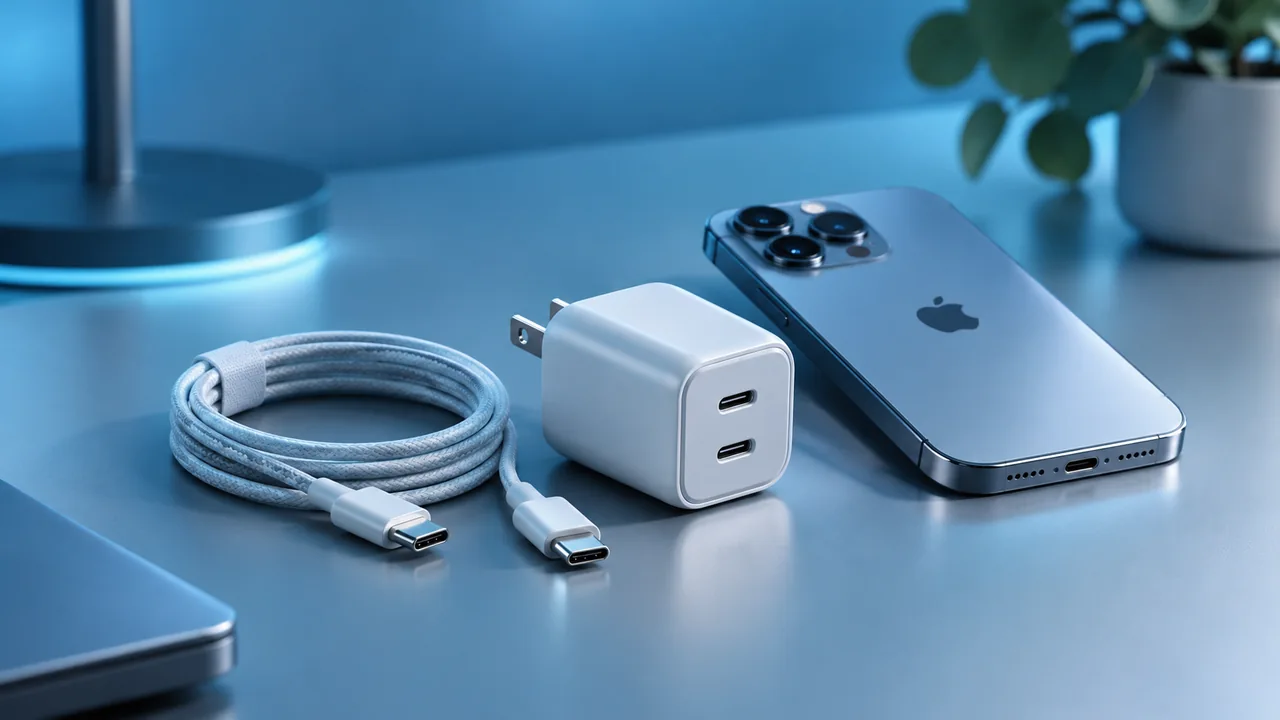
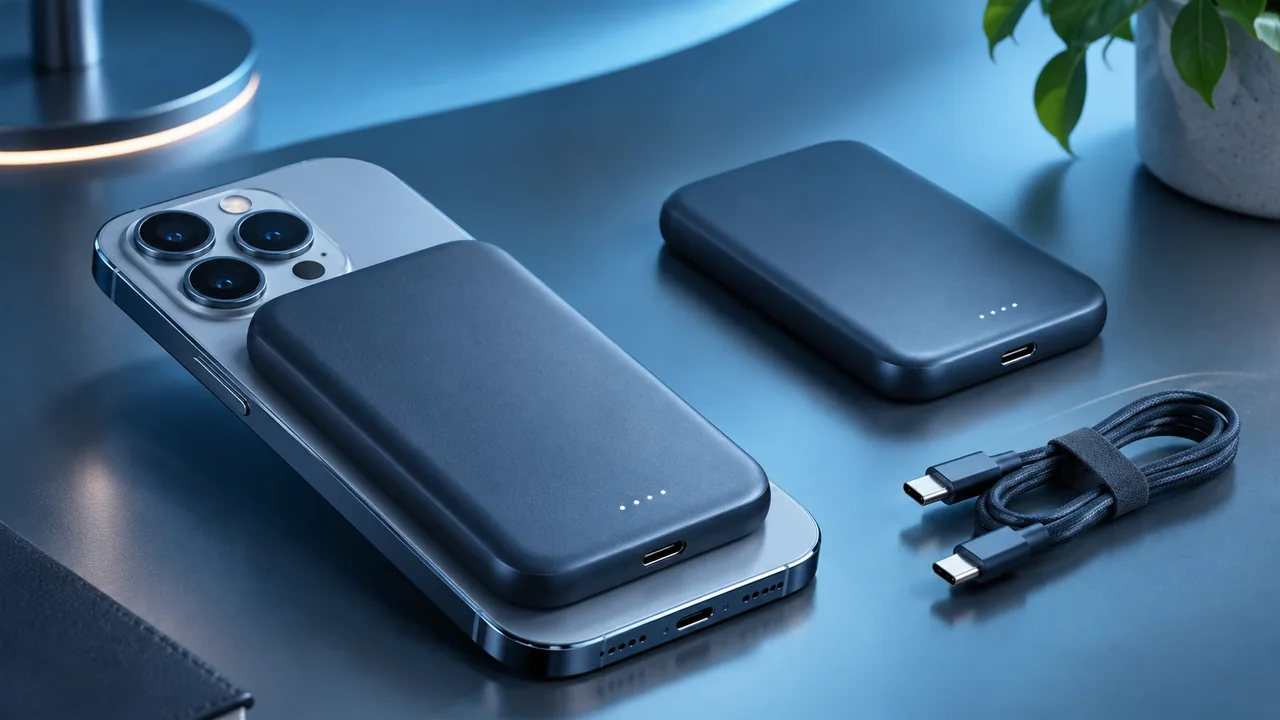
MagSafe and Qi2 are often described as interchangeable forms of fast magnetic charging, but they are not identical concepts. One refers to Apple’s accessory ecosystem; the other is a family of international wireless charging standards. Good buying decisions require separating alignment, certification, peak power and iPhone compatibility.
Editorial note. Independent editorial content using public specifications and buying criteria; not an independent laboratory test.
What MagSafe means for iPhone
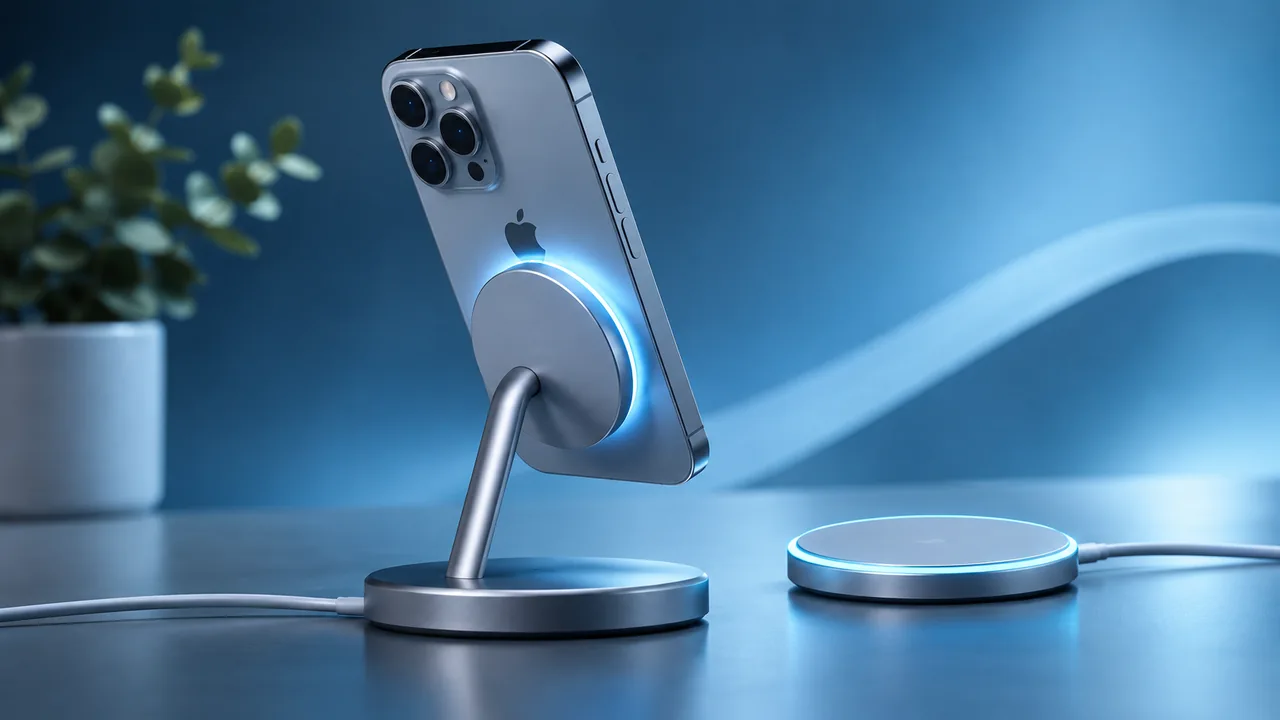
MagSafe is Apple’s magnetic accessory system for iPhone, allowing compatible chargers, wallets, mounts and other accessories to attach to the rear of the device. During charging, magnets help align the coils for more consistent energy transfer. The ecosystem became popular because it makes placement simple. However, a magnetic ring does not guarantee a universal charging speed. The power adapter, charger and specific iPhone model still determine performance, along with cases, temperature and connected accessories.
What makes Qi2 different
Qi is a family of wireless charging standards developed by the Wireless Power Consortium. Qi2 introduced a magnetic power profile designed to improve alignment and interoperability across certified devices and chargers. A public certification system helps buyers look beyond the promises of one brand. Different generations still offer different speeds, however. To distinguish a certified accessory from a product that merely claims compatibility, check the manufacturer’s details or the consortium’s certification database.
From Qi2 15W to Qi2 25W
The original Qi2 profile was associated with up to 15W in many products. In 2025 the consortium launched Qi2 25W, based on specification Qi v2.2.1. That does not upgrade older chargers automatically, and not every phone can accept the higher power. Both device and charger need the appropriate support. A listing that only says “Qi2” may therefore be incomplete. Check the certified profile, technical specifications and expressly supported devices.
MagSafe charging speeds depend on the model
Apple quotes different peak MagSafe output levels across iPhone generations. Some recent models can reach up to 25W with the correct MagSafe charger and a suitable 30W or greater power adapter meeting the required electrical profiles. Other phones have lower limits. A 25W charger cannot force every phone to accept 25W. Heat and connected accessories can reduce the rate further. Read the official requirements for your exact iPhone and charger generation.
How magnetic alignment helps
Magnetic alignment reduces the chance of placing the phone outside the charging area, and it helps mount an iPhone on desks or in cars. Holding strength varies between products and may be affected by thick cases or incorrectly positioned rings. A car mount must remain secure while moving; a desk charger should allow easy removal without dragging the base. These are different design tasks. Consider your phone dimensions and real usage rather than relying on magnetic attachment alone.
MagSafe, Qi2 and cases
Case compatibility depends on ring position, magnet quality, thickness and materials. A case with magnets may help attach a holder, but cannot guarantee maximum charging power on its own. Wallets, metal plates and objects between charging surfaces may interfere with induction or damage sensitive items. Remove objects not intended to sit between the phone and the charger. If you use a battery pack, car mount and desk charger, check compatibility with all three.
Heat, efficiency and battery care
Wireless charging generally involves more conversion loss than a good wired connection. Some energy becomes heat, and the system may reduce power to protect components. Magnetic alignment helps but does not eliminate the physical difference between induction and cable charging. In hot environments or while running demanding apps, charging may become slower. Avoid sunlight, covered chargers and objects between charging surfaces. When raw speed matters most, an appropriate USB-C solution may be more predictable.
Choosing between MagSafe, Qi2 and USB-C
MagSafe can be attractive if you want integrated accessories within Apple’s ecosystem. Qi2 is useful when certified interoperability and a wider manufacturer choice matter. USB-C remains a strong option when efficiency, device versatility or particular fast-charging requirements are priorities. There is no universal winner: desk mounts, portable battery packs and travel chargers serve different scenarios. Start with your own setup and iPhone model.
A checklist for buying correctly
Confirm the exact iPhone model, supported MagSafe or Qi2 version, certified peak power, required wall adapter and case limitations. Check input power, cable length, mount stability, warranty and supplier information. If you want 25W wireless output, look for the specific phone-charger-adapter combination the manufacturer supports. For wired fast charging, examine the relevant USB-PD and AVS requirements. Verified specifications matter more than labels.
Frequently asked questions
Do all Qi2 chargers offer 25W?
No. Qi2 products support different certified profiles and power levels.
Does a MagSafe case increase speed?
It may help alignment, but does not change the phone’s or charger’s rated limit.
Can I combine USB-C and MagSafe power?
No. The phone chooses its charging path; the wattages do not add together.
Compatibility and output may vary by accessory and iPhone model.
Apple — Use your MagSafe Charger ↗ WPC — Qi and Qi2 standards ↗Key takeaway
Start with compatibility for your exact model, followed by safety and real-world usability, and only then price. Headline power, protection or capacity numbers are not a substitute for checking real conditions.
For cases, chargers and screen protectors in one place, see our 2026 iPhone accessory buying guide.